
Client appNew
The trip in your client's pocket, with your name.
The quote's portal becomes your agency's app: icon and name on the Home Screen, today's itinerary with its map, vouchers even without signal, and your messages arriving as notifications. No App Store, nothing to publish.
iPhone, Android and computer · Included in every plan · No card required
 Altrove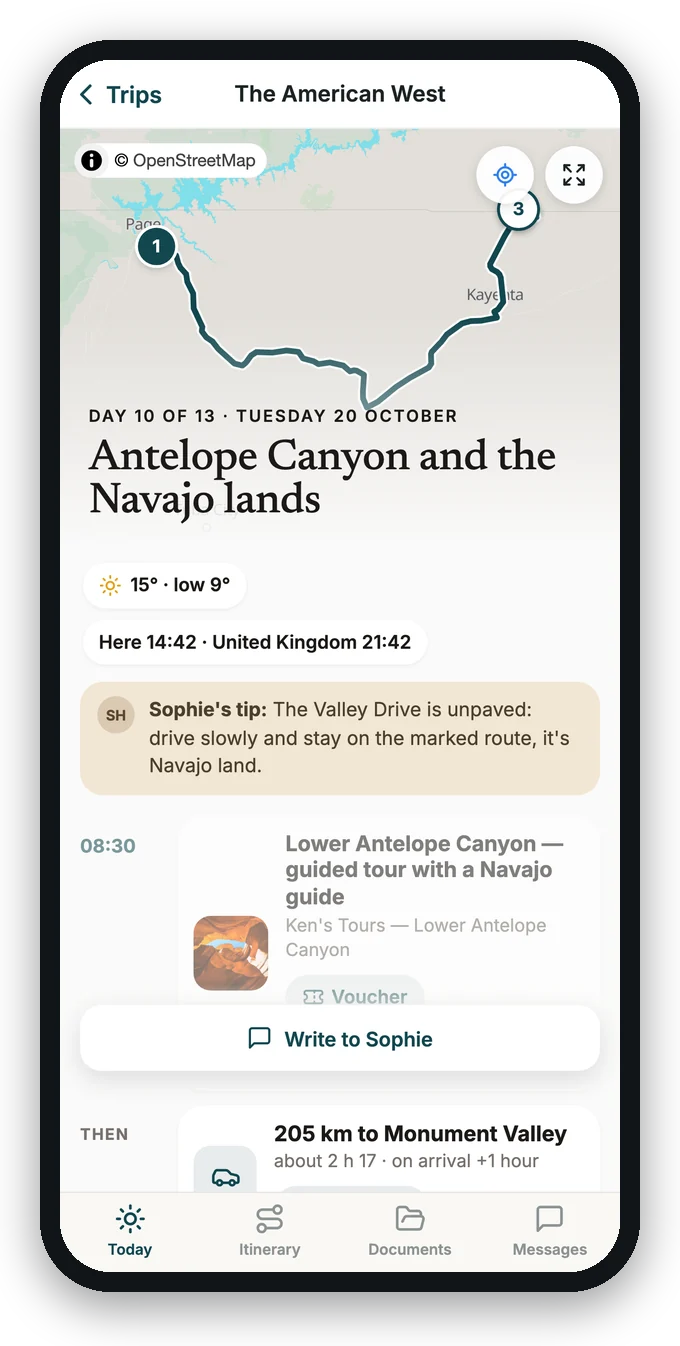
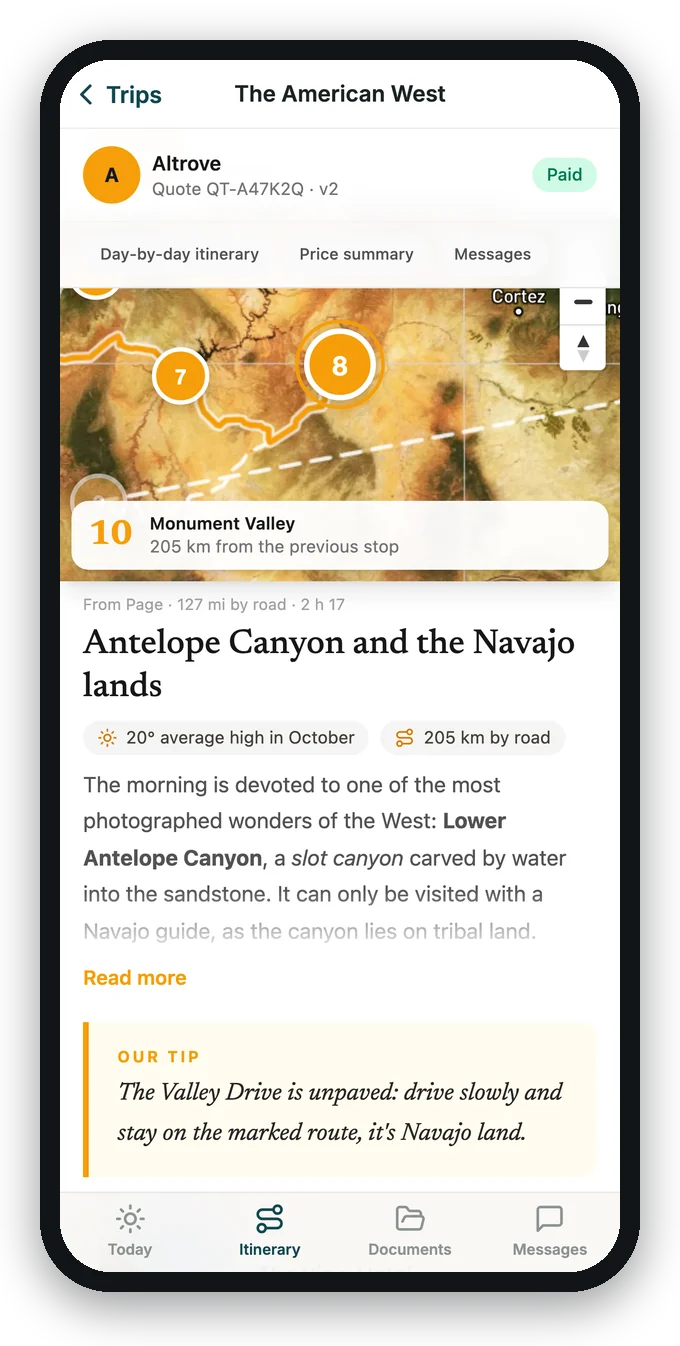
Before, during, after
An app that changes with the trip
It opens on what matters now. Your client never searches: the app knows what day it is, where the trip is and what is missing.
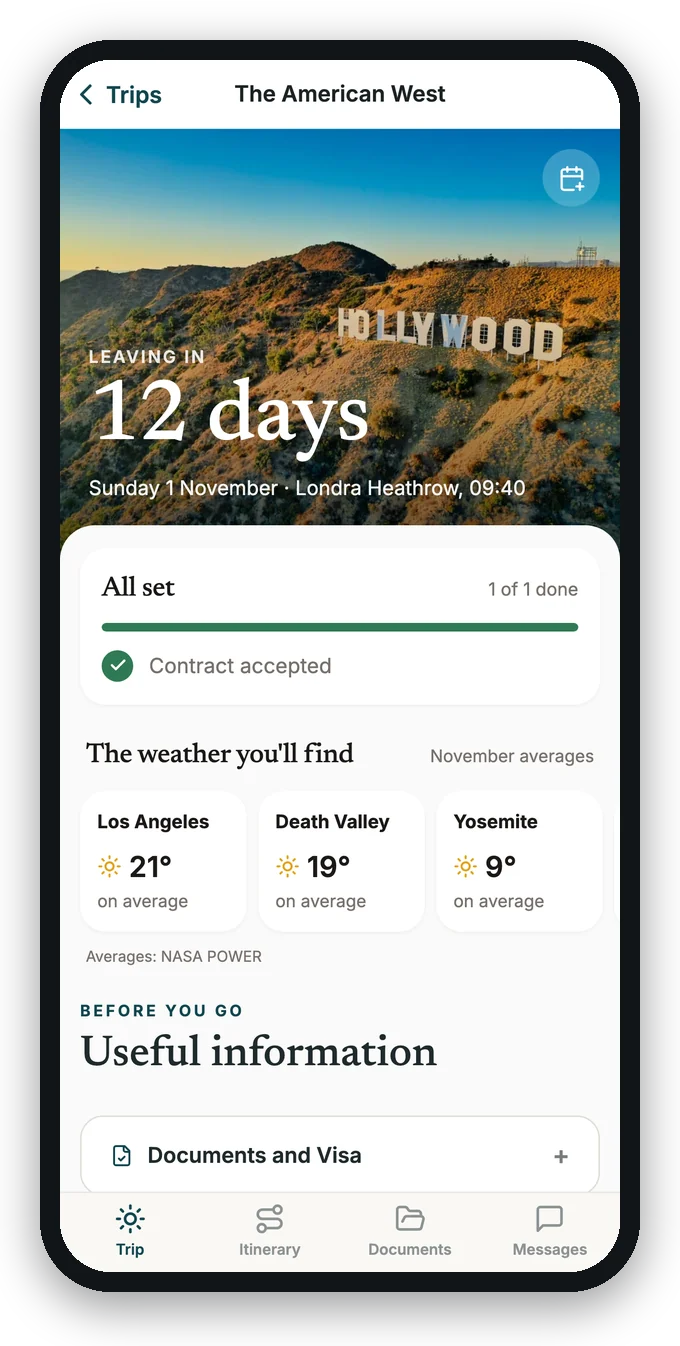
Before leaving
The countdown, what is missing (an instalment, travellers' details) with «Pay» and «Complete», the weather ahead, plugs and currency of the country.
Today, on the spot
The day's map with its stops, «You are here» when they ask, tonight's hotel with its address full screen, vouchers and 24-hour help.
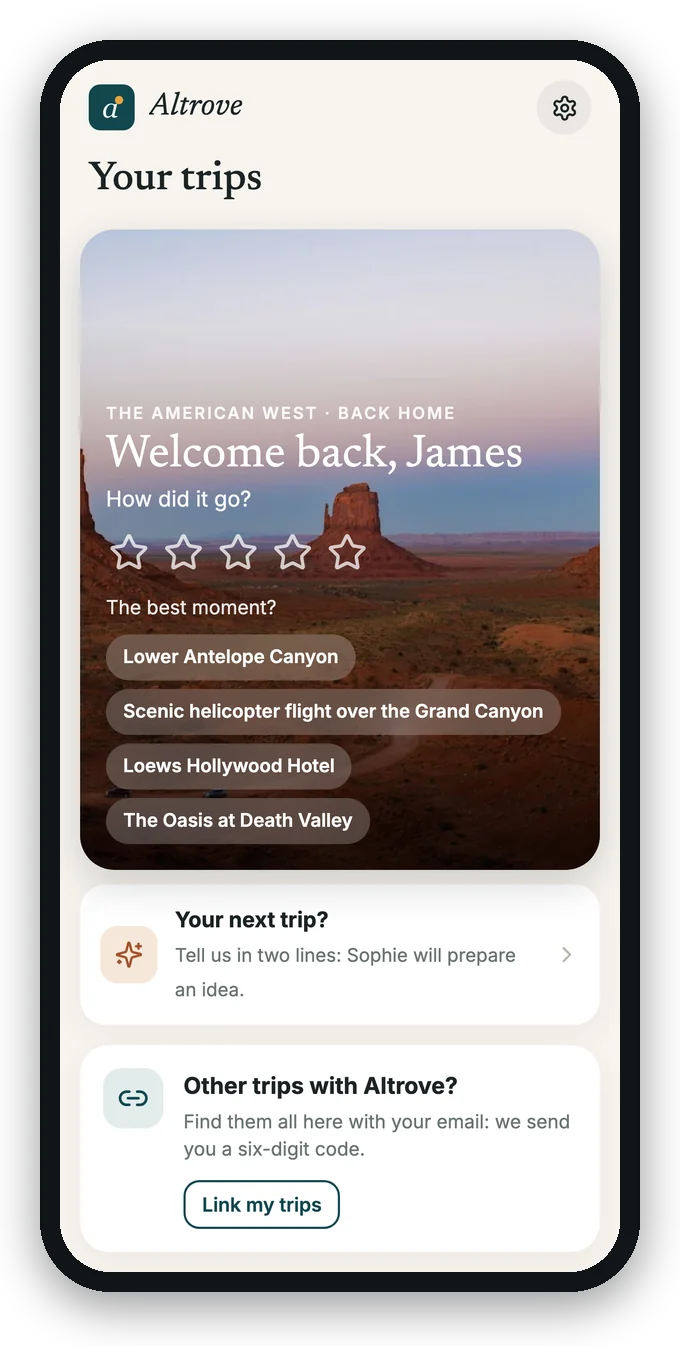
After the return
«Welcome back» asks how it went and offers the next trip in two lines: a new lead is created in the CRM with the client already known and the source «App».
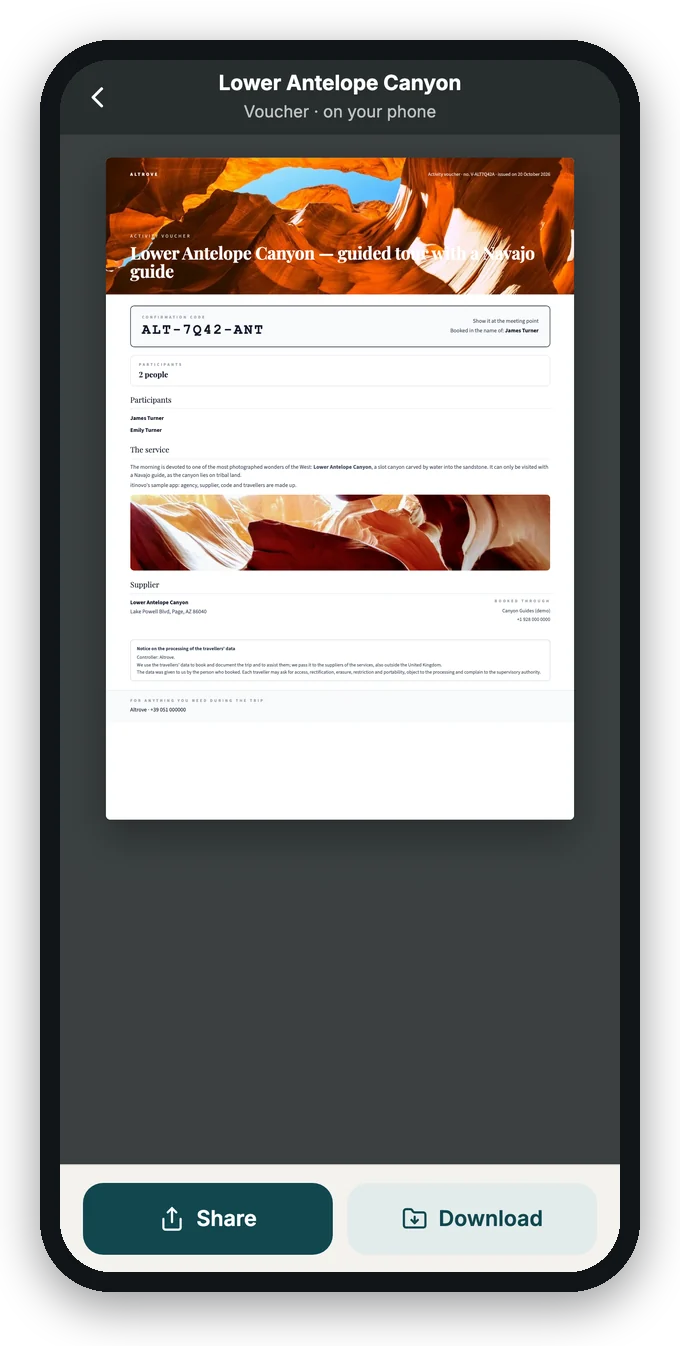
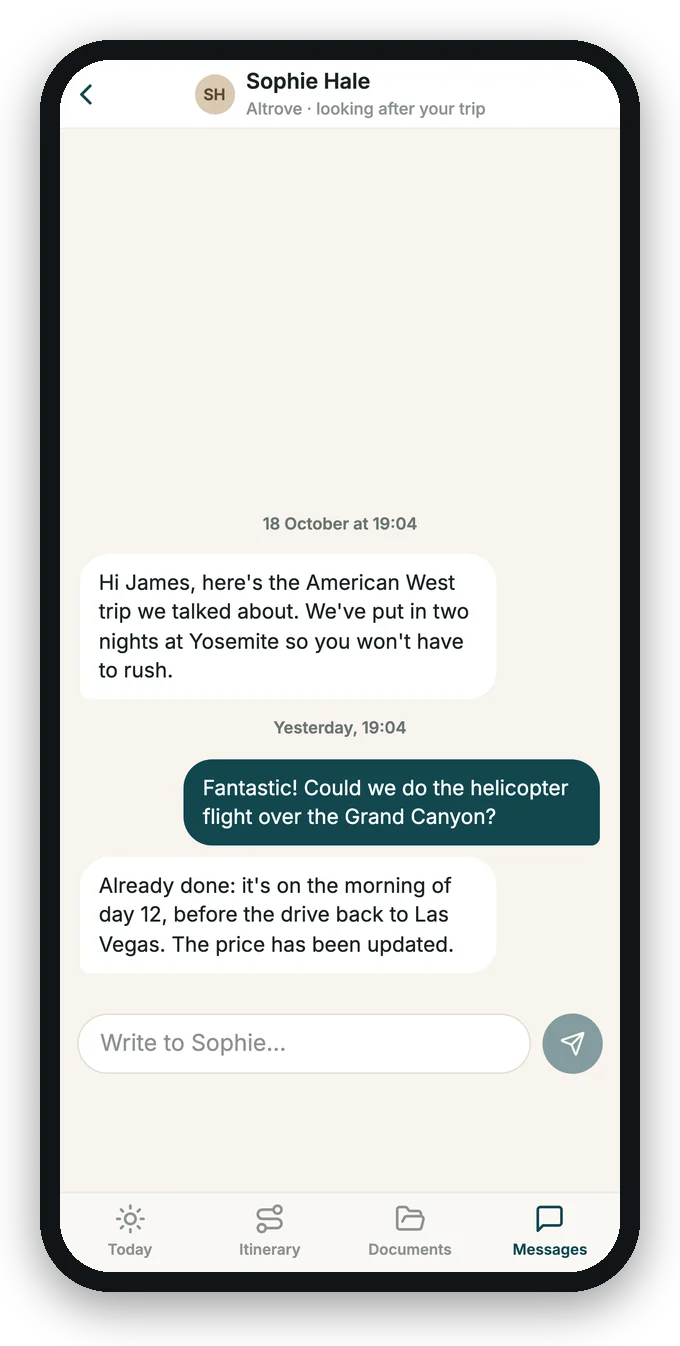
Even with no signal
The map and the vouchers even in the middle of the desert.
- On the phone, by themselves. On Wi-Fi the app downloads the trip's documents, photos and maps; then it works in airplane mode too.
- Maps of the trip's places. The streets around the hotel, the roads to drive, the whole trip: the client's position stays on their phone.
- Messages that leave later. Written without signal, a message leaves by itself when the phone is back online.
Notifications
Your message reaches the locked phone.
- Instead of email. A client with the app gets a notification; the email goes only if they have not read it within an hour. In the CRM you see «Notified» and «Read in the app».
- Three more reminders. The day before departure, a good morning at 7:30 local time, the «Welcome back». Turn them on in Automations.
- Quiet at night, never advertising. Between 10 pm and 7 am local time nothing leaves, except a notice of yours that you mark as urgent: the rest arrives in the morning.
Demo
Try it on your phone
A trip to the American West from a sample agency. Install it as your client would: see «Today» in Monument Valley, open the voucher in airplane mode, get the morning notification.
For the agency
Everything is set in one place
Frequently asked questions
Does the client have to download anything from the App Store?
No. The app installs from the trip's link in three taps: on iPhone with «Add to Home Screen», on Android with «Install». It appears with your agency's icon and name.
Does it work on iPhone and Android?
Yes, and on computers too. On iPhone notifications work from iOS 16.4, with the app on the Home Screen.
What stays on the phone without signal, and for how long?
The itinerary with its photos, the vouchers and documents sent, the maps of the trip's places and the messages. They stay until 30 days after the return, then the app removes them by itself.
Do notifications replace emails?
For messages, yes: a client with the app gets a notification, and the email goes only if they have not read it within an hour. The other emails (documents, payments, reminders) stay as they are, and the app's reminders are turned on separately in Automations.
Can it carry my agency's name and icon?
Yes, always: you choose the name under the icon and the icon in Settings › Client app, from your logo or by uploading a square icon.
How much does it cost?
Nothing extra: the app is included in every plan, with notifications and offline maps.
Your clients already have your trip. Give them your app too.
The app is the portal you already send, with your agency's name and icon.
No credit card required · No App Store · Export your data