
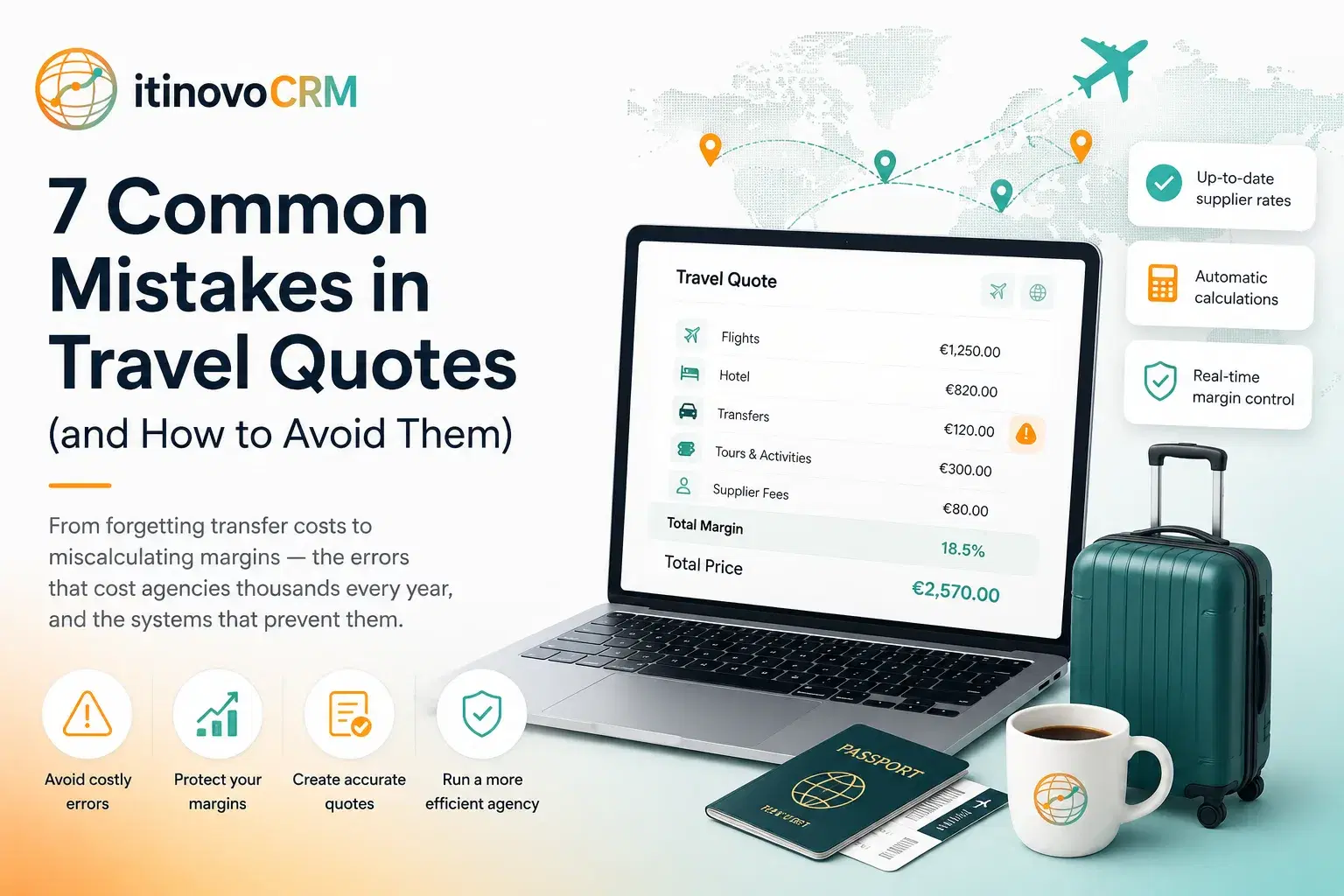
7 Common Mistakes in Travel Quotes (and How to Avoid Them)
From forgetting transfer costs to miscalculating margins: the errors that cost agencies thousands every year, and the systems that prevent them.
Mistake 1: Forgetting hidden costs
Airport transfers, city taxes, resort fees, visa costs: these add up. A structured quote builder with service categories forces you to consider every cost component before sending the quote to the client.
The most dangerous hidden costs are those that seem small individually but accumulate across a multi-day package. City taxes in Italian cities range from 1 to 7 EUR per person per night, for a family of four staying 10 nights in Florence, that is 200 EUR you forgot to include. Resort fees in Caribbean hotels can add 30-50 USD per room per night. Visa costs for non-EU destinations (Egypt, India, Tanzania) range from 25 to 100 EUR per person. Fuel surcharges on flights can change between quoting and booking.
The solution is systematic: use a quote builder that includes predefined service categories (accommodation, transfers, activities, guides, restaurants, flights, insurance, other) and prompts you to consider each category for every day of the trip. A completeness indicator showing which categories are covered (and which are missing) prevents the most common omissions. If your quote has hotel and activities but no transfers, the system should flag this before you send it.
Beyond the quote builder, maintain a checklist of commonly forgotten costs by destination. Mediterranean beach holidays: sun lounger fees, boat excursions, water sports. City breaks: public transport passes, museum cards, restaurant tips. Safari trips: park entry fees, conservation levies, tipping for guides and staff. This institutional knowledge, embedded in your system, prevents costly surprises.
Mistake 2: Using outdated supplier rates
Seasonal rates change. If your quote uses last year's hotel prices, your margin evaporates when you confirm the booking. A CRM with a supplier catalog and date-matched rate selection prevents this automatically.
The problem is particularly acute during season transitions. A hotel might charge 120 EUR per night in low season (November-March), 180 EUR in shoulder season (April-May, October), and 260 EUR in high season (June-September). If you quote a July holiday using the shoulder-season rate you have in your spreadsheet, you are immediately 80 EUR per night short, potentially 560 EUR on a week-long stay. That is your entire margin gone, or worse, you are selling at a loss.
Tour operator rates compound the problem. Operators publish new rate cards annually, often with significant changes. If your system still references last year's brochure prices, every quote is potentially wrong. The same applies to exchange rate fluctuations for non-EUR suppliers: a rate negotiated at 1.15 GBP/EUR might now cost 5-8% more if the pound has strengthened.
The fix is structural: every rate in your system should have explicit validity dates (valid from/to). When you build a quote, the system matches the travel dates against available rates and selects the correct one automatically. If no valid rate exists for the requested dates, the system alerts you, forcing you to check with the supplier before quoting. Expired rates should be visually flagged (not silently used), and the system should notify you when rates are approaching their expiry date so you can request updated pricing proactively.
Mistake 3: No version control
Client asks for changes, you modify the quote, they ask for more changes. Without versioning, you lose track of what was agreed. Professional CRMs keep v1, v2, v3 with full diff comparison.
The typical scenario: you send a quote for a 10-day Italy tour. The client loves it but wants to swap the Rome hotel for something more central, add a cooking class in Tuscany, and remove the Pompeii excursion. You make the changes and resend. They come back: actually, keep Pompeii but remove the Venice day trip instead. Now you are trying to remember what was in the original quote, what you changed, and what the client actually wants.
Without version control, this becomes a game of email archaeology, scrolling through threads trying to reconstruct the evolution of the quote. Worse, disputes can arise: "But you quoted me 3,200 EUR, not 3,600", and you cannot prove what was in which version because you overwrote the original.
A proper versioning system maintains every iteration as a separate, immutable snapshot. Version 1 is the original proposal. Version 2 reflects the first round of changes. Version 3 incorporates the second round. Each version has a timestamp, and the system can show a visual diff between any two versions: highlighting added services, removed services, and price changes. When the client accepts, you know exactly which version they agreed to, with a clear audit trail.
Mistake 4: Sending unbranded documents
A plain spreadsheet or Word document doesn't inspire confidence. Branded PDF quotes with your logo, professional layout, and clear pricing show clients you're a serious operation.
First impressions matter enormously in travel sales. When a client receives a quote, they are not just evaluating the price, they are evaluating whether they trust you with their holiday. A professionally designed PDF with your agency logo, consistent colour scheme, high-quality destination photos, and clear typography signals competence and attention to detail. A hastily formatted Excel spreadsheet signals the opposite.
The branded document should include: a cover page with the trip title and hero image, a day-by-day itinerary with brief descriptions of each destination and activity, clear pricing (either detailed per-service or as a package total, depending on client preference), payment terms and cancellation policy, and your agency's contact details and legal information. The layout should be consistent across all quotes, building brand recognition over time.
Beyond aesthetics, professional documents reduce questions and objections. When pricing is clearly laid out with inclusions and exclusions explicitly stated, clients have fewer reasons to call back asking "does this include...?" This saves time for both parties and accelerates the decision process.
Mistake 5: No margin visibility
If you can't see your margin in real-time while building the quote, you might sell at a loss. Color-coded margin indicators (green above 15%, amber above 8%, red below) prevent this.
Margin erosion is the silent killer of travel agency profitability. It happens gradually: you discount 5% to win a competitive bid, forget to include the transfer cost, use a slightly outdated hotel rate, and suddenly your 18% margin has become 4%. Without real-time visibility, you only discover this when reconciling accounts weeks later, too late to do anything about it.
The solution is immediate, visual feedback as you build the quote. Every service should show its individual margin (cost vs. selling price), and the quote summary should display the aggregate margin both as a percentage and an absolute amount. Colour coding makes it impossible to miss: green means healthy (15%+), amber means acceptable but thin (8-15%), and red means danger (below 8%). Some agencies set a hard floor: the system physically prevents sending a quote below a minimum margin threshold.
Per-person margin visibility is equally important for group quotes. A package might show a healthy 12% overall margin, but when divided by 4 travellers, the absolute margin per person might be too low to justify the operational effort. The system should show both aggregate and per-person figures.
Mistake 6: Manual follow-up
Sending a quote and forgetting to follow up is the number one reason agencies lose bookings. Automated follow-up emails (5 days after sending, configurable) keep you top of mind without manual effort.
Industry data consistently shows that 60-70% of travel quotes are never followed up. The agent sends the quote, gets busy with other clients, and by the time they remember to check in, the client has either booked elsewhere or lost interest. The window of opportunity for travel purchases is surprisingly short, most clients make their decision within 7-10 days of receiving a quote.
Automated follow-up solves this without adding to your workload. Configure the system to send a friendly reminder 5 days after the quote was sent (if not yet accepted). The email should be personalised (referencing the destination and travel dates) and include a direct link to the client portal where they can review the quote. A second follow-up at 10 days can offer to answer questions or suggest alternatives. After 14 days with no response, the system can notify the agent to make a personal call.
The key is that this happens automatically for every quote, every time. No client falls through the cracks because the agent was on holiday, had a busy week, or simply forgot. The system remembers even when humans do not.
Mistake 7: No client portal
Emailing PDFs back and forth is 2015. A client portal where they can view the quote, accept, request changes, and pay online reduces friction and speeds up conversion.
The traditional quote workflow creates unnecessary friction at every step. You email a PDF. The client downloads it, maybe prints it, discusses with their partner, has questions, emails back. You respond. They want changes. You rebuild the quote, generate a new PDF, email again. They accept verbally. You send a contract. They sign and scan it. You send payment instructions. They transfer money. Each step is a potential drop-off point.
A client portal collapses this into a single, seamless experience. The client receives a link (not an attachment) to a branded page showing their quote with all details. They can view the day-by-day itinerary, see photos of the hotels and destinations, check the price breakdown, and ask questions through an integrated messaging system. When ready, they click "Accept": no printing, scanning, or separate emails required. Payment can happen immediately through an integrated gateway.
The portal also provides valuable analytics. You can see when the client viewed the quote, how long they spent on each section, and whether they shared it with others. This intelligence helps you time your follow-up perfectly, calling just after they have reviewed the quote, when interest is highest.
Ready to modernise your agency?
itinovo CRM handles margin scheme VAT, quotes, invoicing and suppliers, so you can focus on your clients.
Start free trial